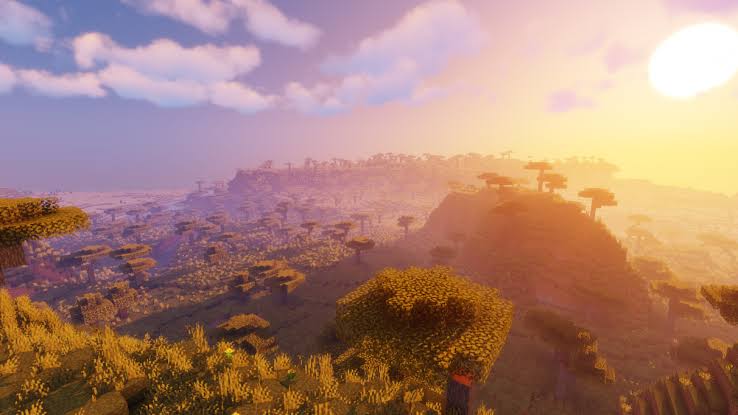
Looking for the best Minecraft texture packs for the Pocket Edition? Here, we’ve included the best Minecraft RTX texture pack. Regardless, texture packs (aka resource packs) are a great way to give your worlds a brand new look via changing the default Minecraft vanilla textures. Here We will be talking about how you can download the graphics pack and use it in your Minecraft PE.
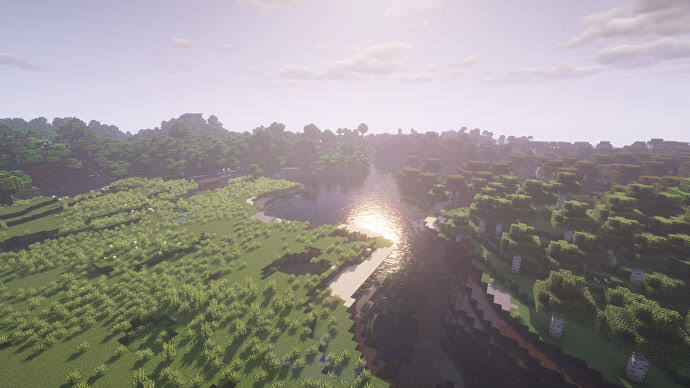
Minecraft Pocket Edition RTX
This Minecraft texture packs is honestly one of the most beautiful packs to download when it comes to ambiance and environment. Wherever the player spawns, this resource pack improves the player’s surroundings exponentially. Trees look next level realistic, puffy clouds cover the skies, and sunshine shines through the the clouds, which is really awesome. This pack brings so much realism and life into the game, adding texture to almost all and every block, shadows and highlights where needed, and so much more.
How to Install Minecraft Texture Packs
Installing this texture pack is really easy. Follow the steps mentioned below to download and install the pack.
Download Realistic Texture Pack
Firstly download the texture pack from the link mentioned above.
Then open file manager and extract the zip file.
Now cut the extracted file and paste it on games > com. mojang > resources pack folder.
After that Open Minecraft, Create a new minecraft world activate the resource pack

 Aditya Kumar